
VSF - View Saved Files
Contents
Overview
View Saved Files Menu displays both the newly attached and downloaded files. Unlike the View Saved Documents screen, this screen only allows the logged in User to view the downloaded and attached files against the Documents.
Screen Explanation
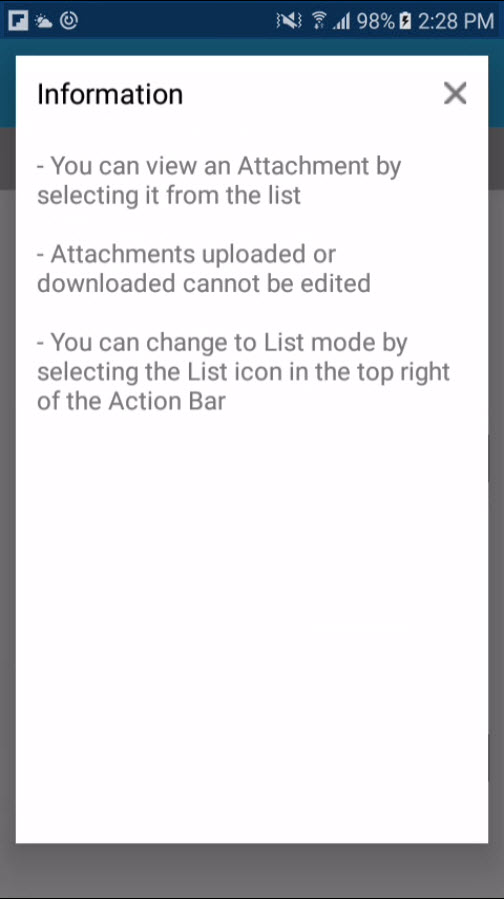
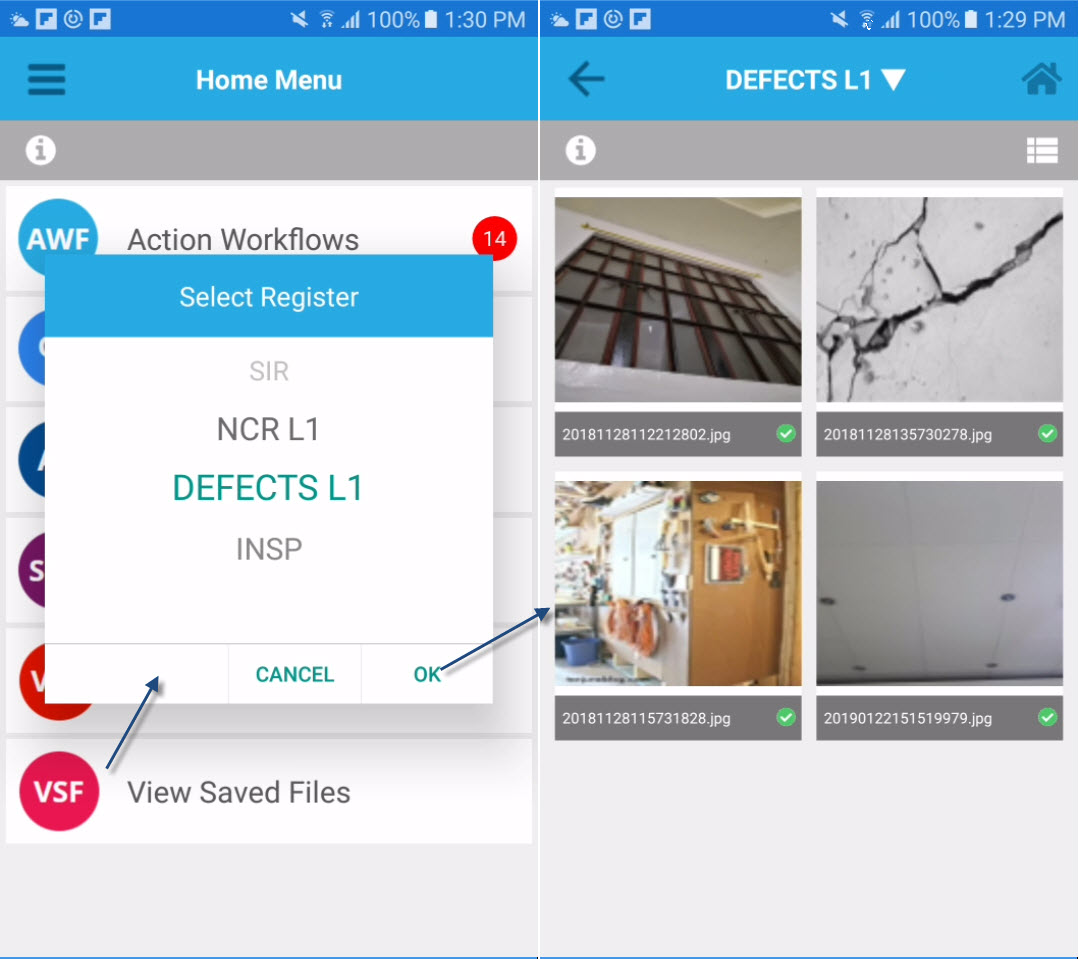
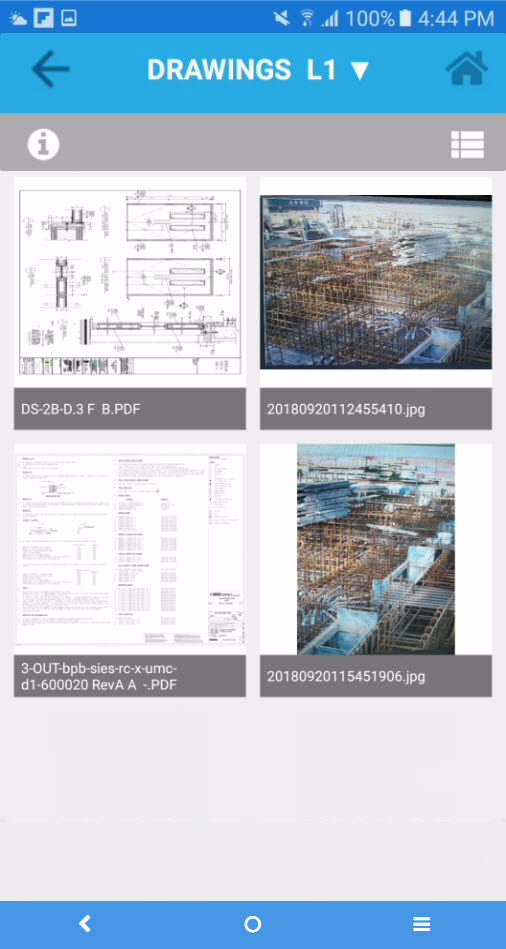
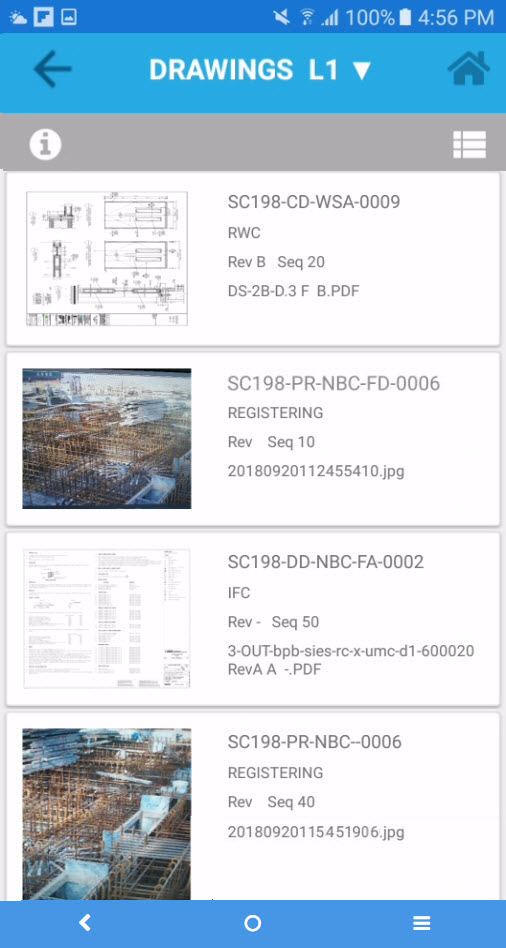
Saved Files can be viewed in two modes - List view or Tile view.
Tile View of Saved Files - default view List View of Saved Files
Examples of Use
<insert examples of use here>
Related Topics
<insert any related topics here>