
Custom Query Reports
Contents
Overview
Custom Query Reports are Script Reports that can be configured in Scenario with the use of basic parameters such as Project (optional), Register, and From/To dates that can be entered by the Users.
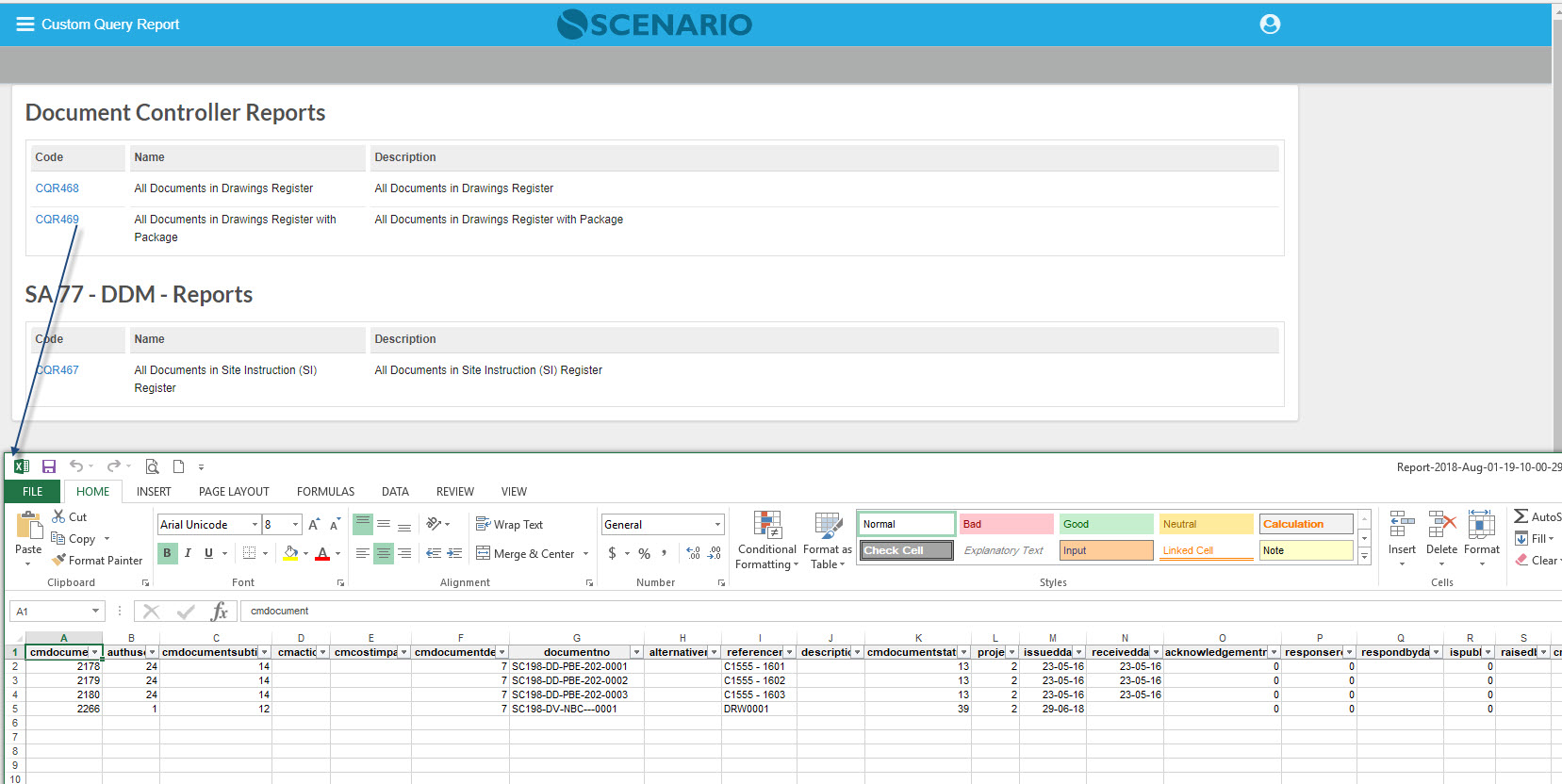
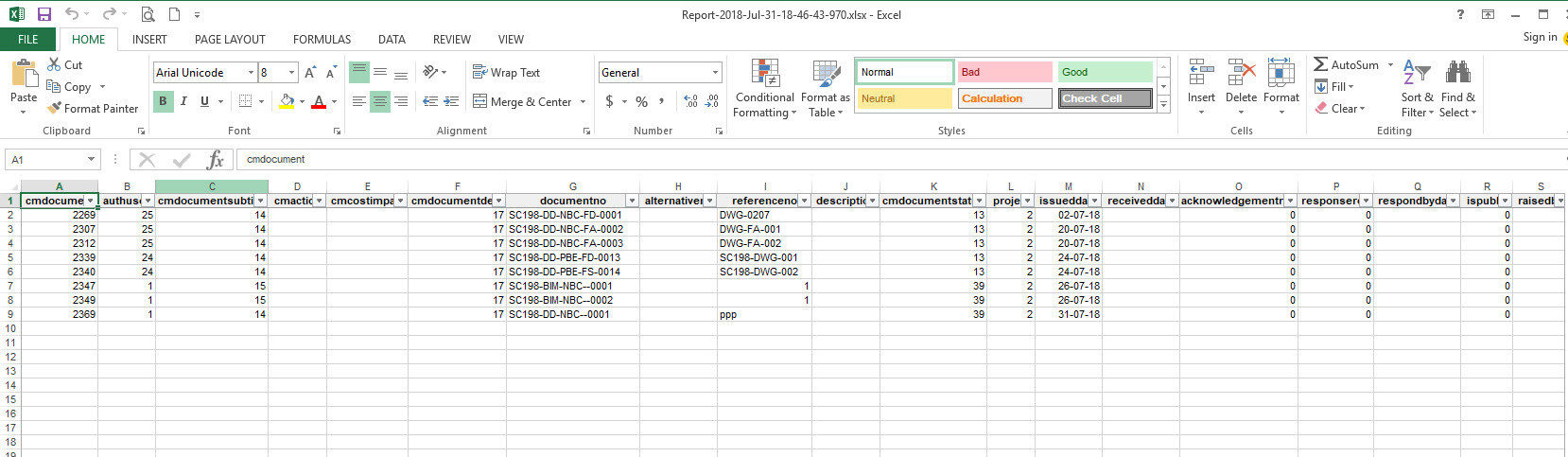
These reports can be assigned to specific users who can then run them on demand. The information will be then be downloaded in an Excel file.
Screen Explanation
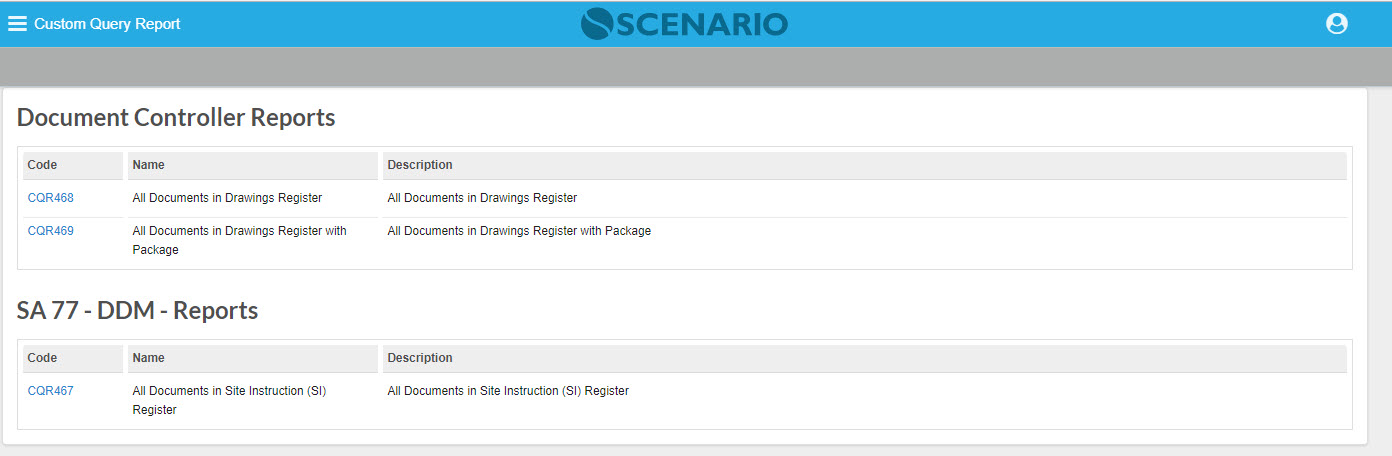
Custom Query Reports can be generated in two ways:
1 - Without Parameters
2 - With Parameters
How Do I?
How Do I Run the Custom Query Reports without Parameters?
1. Configure the Custom Query Reports |
|---|
|
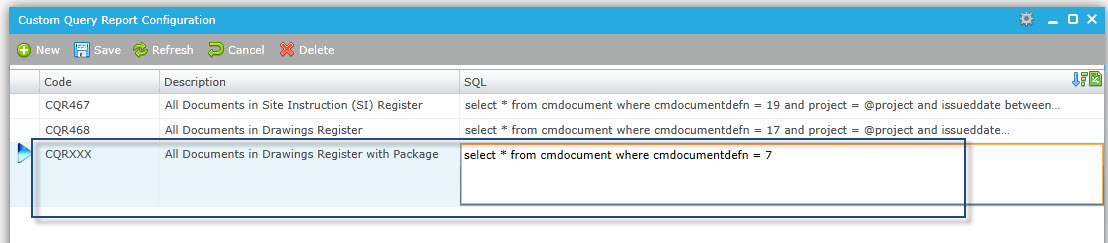
Create the Custom Query Report in S6 under SYSM -> Reports -> Custom Query Configuration. Assign the created CQR to a Report Set via the Report Manager, but before that ensure that the Report Set was assigned to the User Profile. |
| 2. Run the Custom Query Report in Scenario |
|
| The Report output will be generated automatically. |
How Do I Run the Custom Query Reports with Parameters?
1. Configure the Custom Query Reports |
|---|
|
Add @project, @register @dateFrom, @dateTo into the query in the Custom Query Report config screen. |
| 2. Run the Custom Query Report in Scenario - enter the Filters |
|
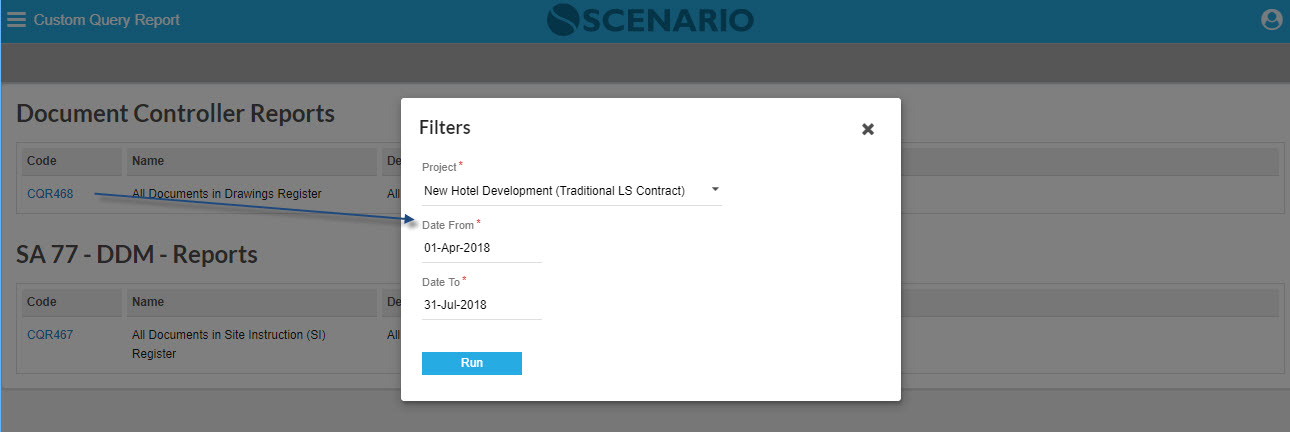
Upon clicking the Report, the Filters pop-up screen will be displayed. Note that the fields are mandatory, so enter first the values in the Filters. Click the Run button to generate the selected CQR |
|

Related Topics
<insert any related topics here>