
PS - Power Search
Contents
Overview
Scenario Enterprise provides a way of searching through Documents, Conversations, and Attachments. As the search results is populated on the page, a results count is displayed.
The Search Results are also filtered by two categories - By Relevance (default) and Most Recent.
Screen Explanation
Power Search Page
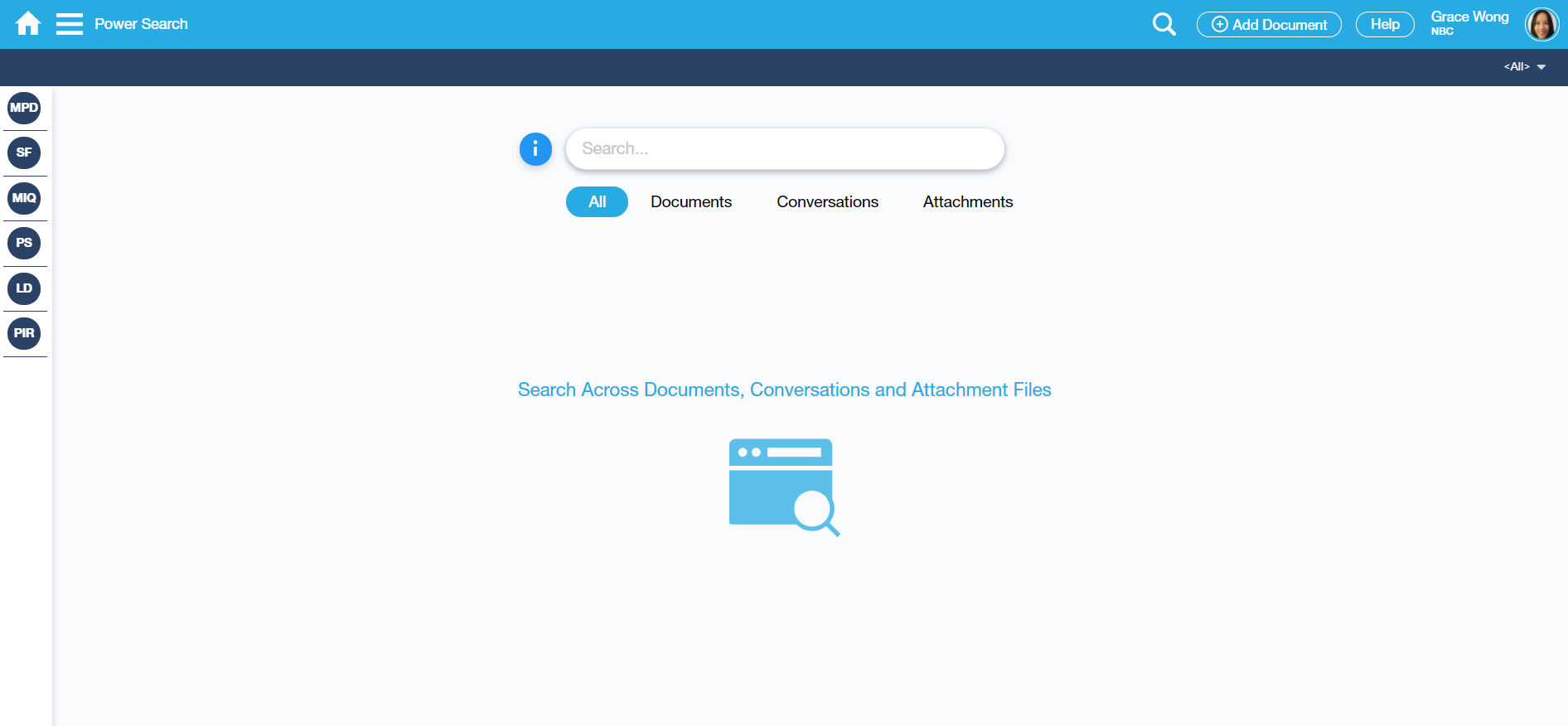
Power Search Info
Users can view from this pop-up screen the list of Search Samples and Techniques that can be used.
As indicated below, the following list of fields can be searched on in Power Search screen:
- Document Number
- Reference Number
- Subject
- Conversation Body
- Tags
- Filename
- Register
- Project
- Contact
- User

Search <ALL> through Documents, Conversations and Attachments.
Returned Search Result in ALL tab. A results count is presented on the upper left side of the search results.
Under the All tab, Comments are also included in the search result.
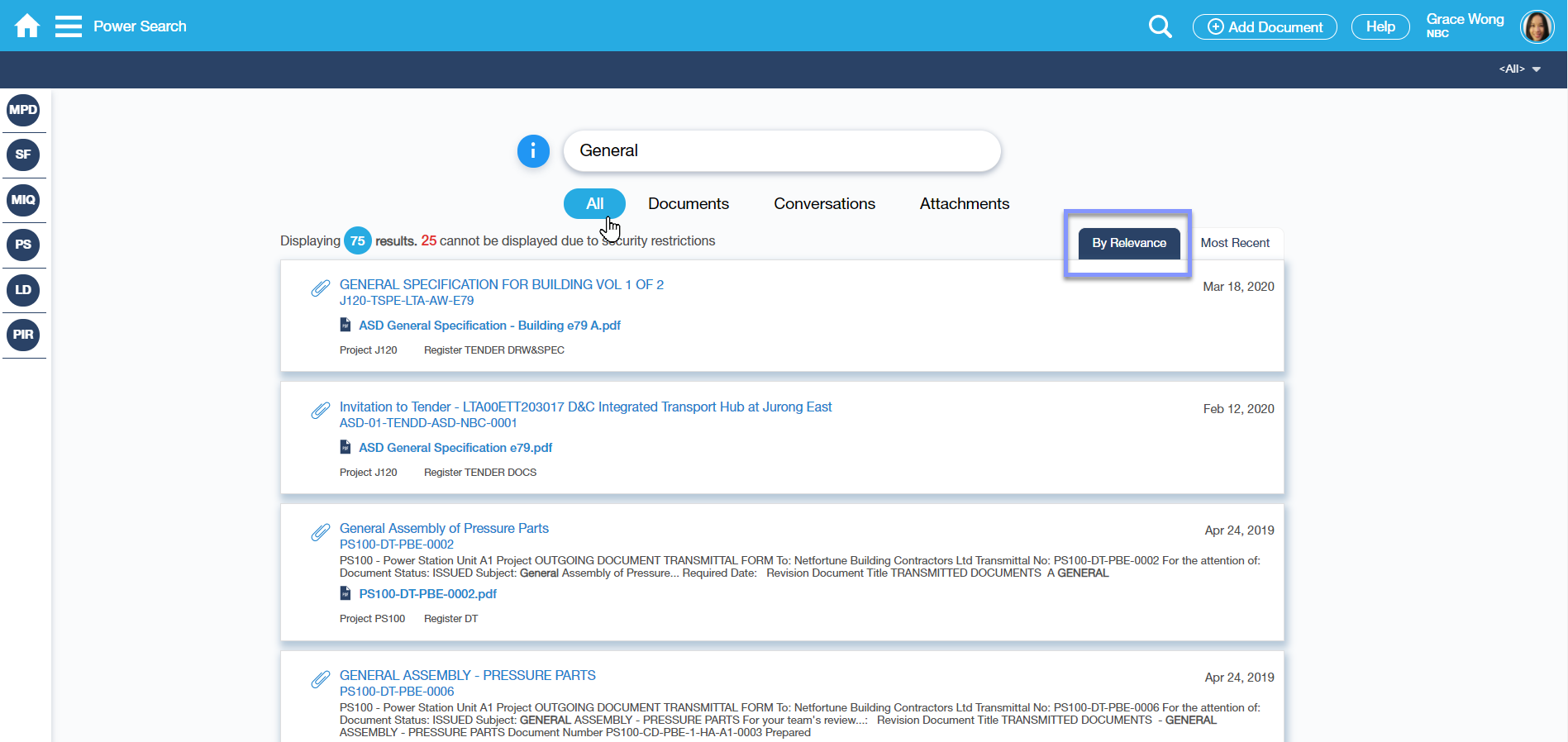
Search through Documents
Returned Search Result over Documents. A results count is presented at the upper left side of the search results. Documents that the logged-in User has no access to will not be displayed.

Search through Conversations
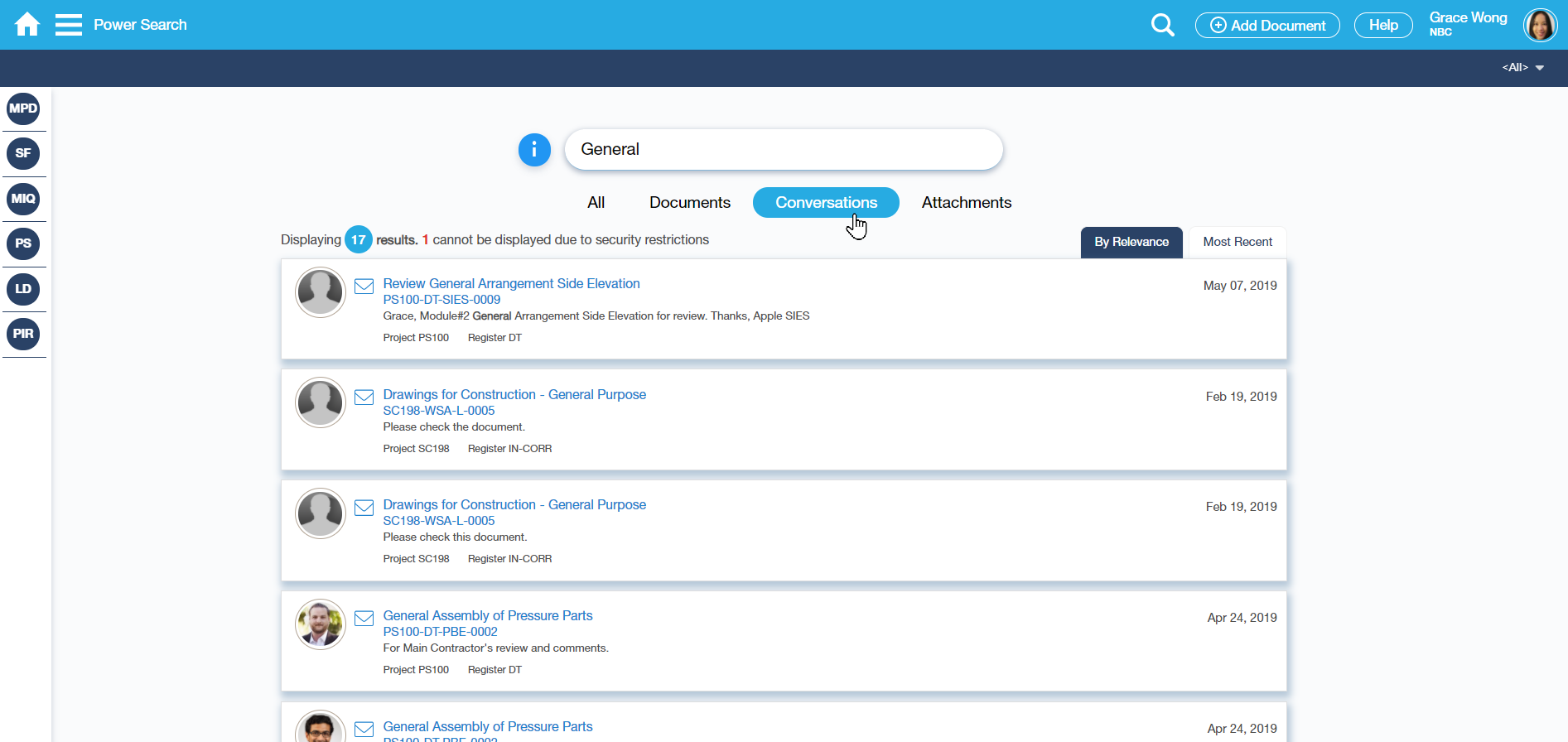
Returned Search Result over Conversations. A results count is presented on the upper left side of the search results.
Image/Photo of the Originator of the Conversations is also displayed.
Search through Attachments
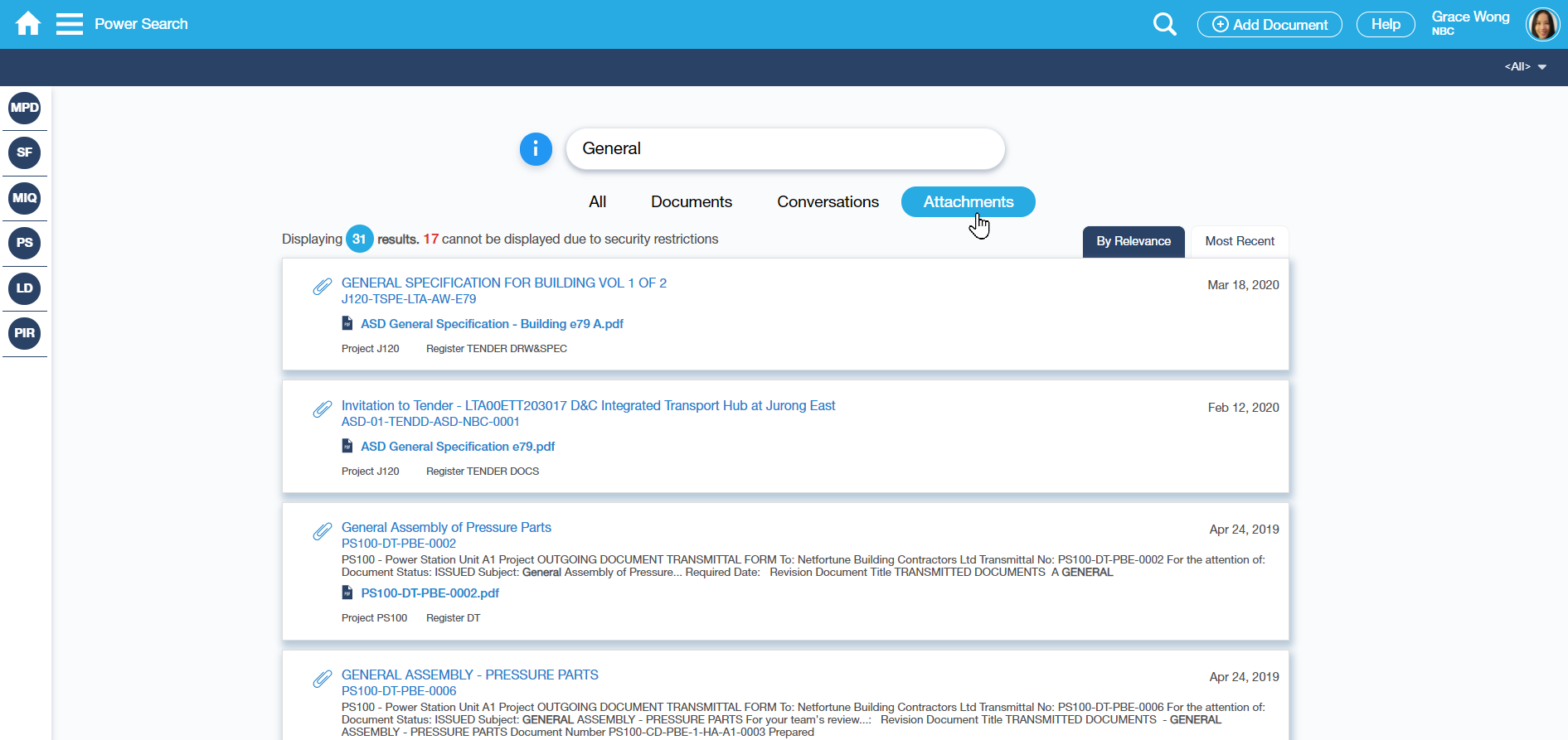
Returned Search Result over Attachments. A results count is presented on the upper left side of the search results.
The result does not only show the Attachments but also the Documents' descriptions/remarks.
The texts on the uploaded files can also be searched. The supported files are -.pdf, .doc, .docx, .txt, .msg, .ppt, .pptx.
Examples of Use
Sample Searches
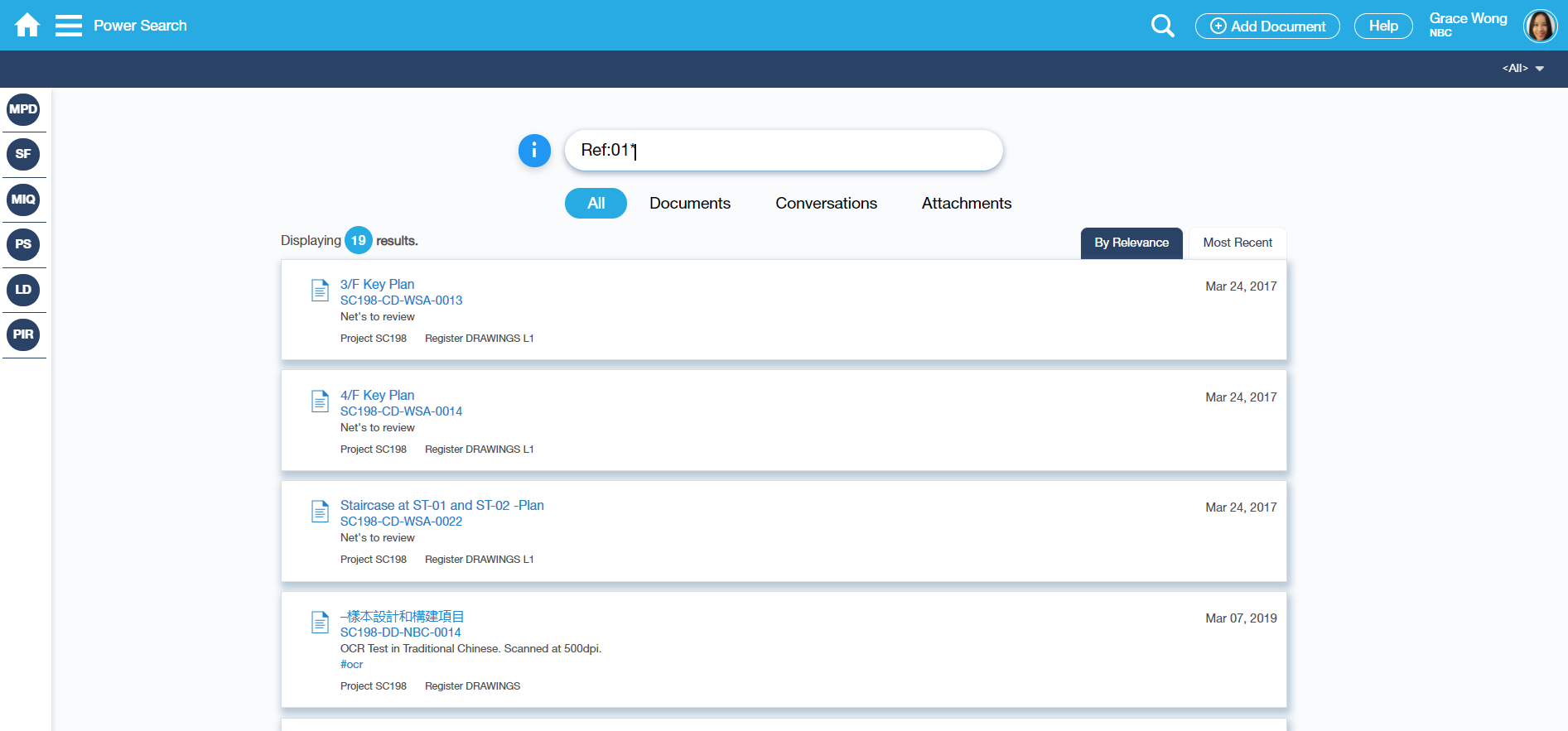
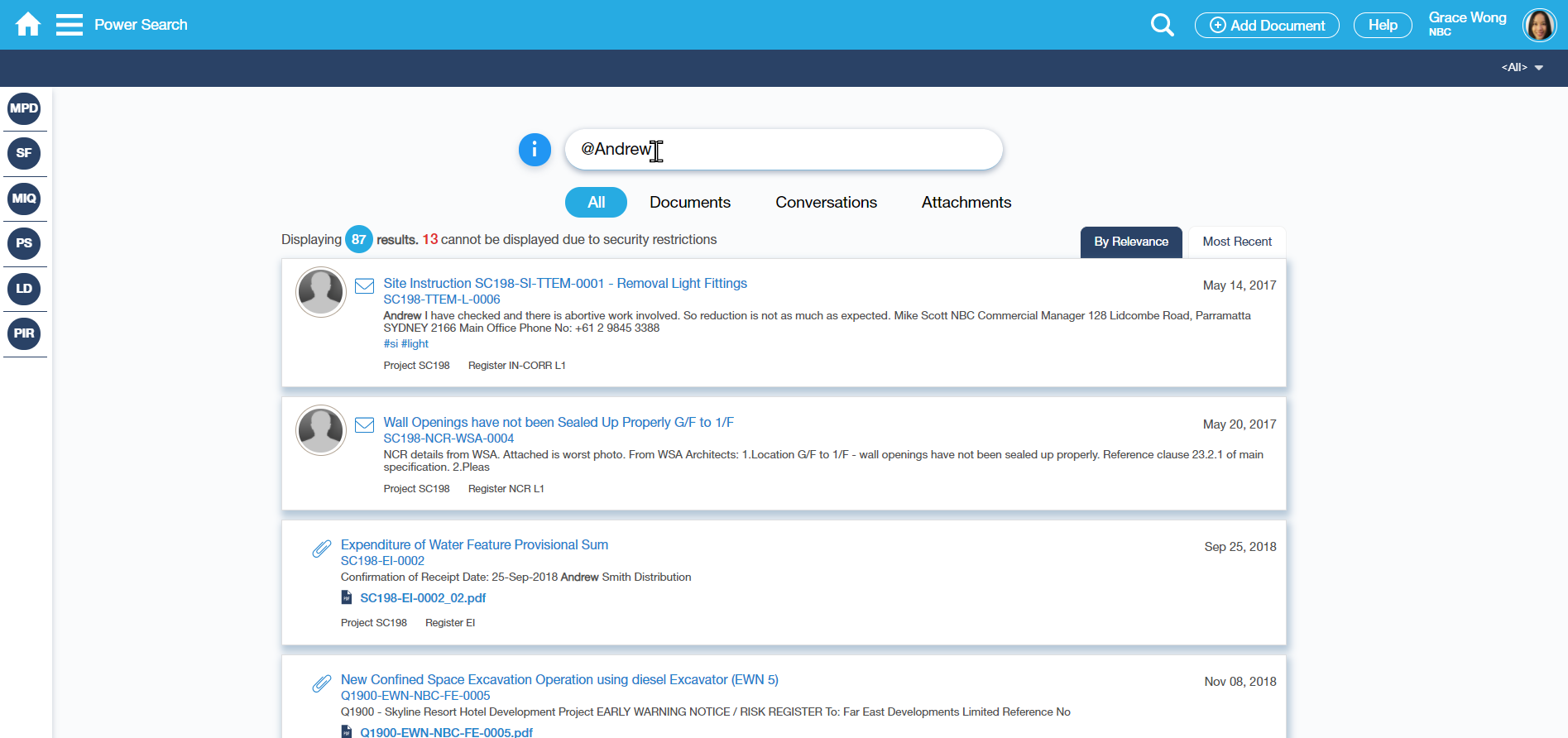
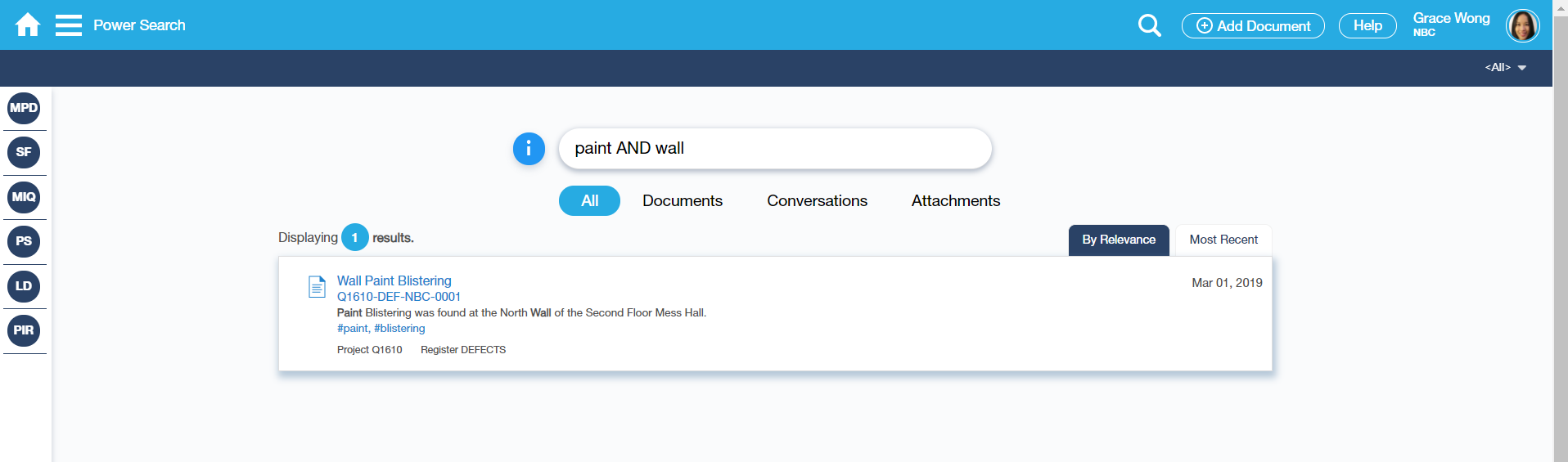
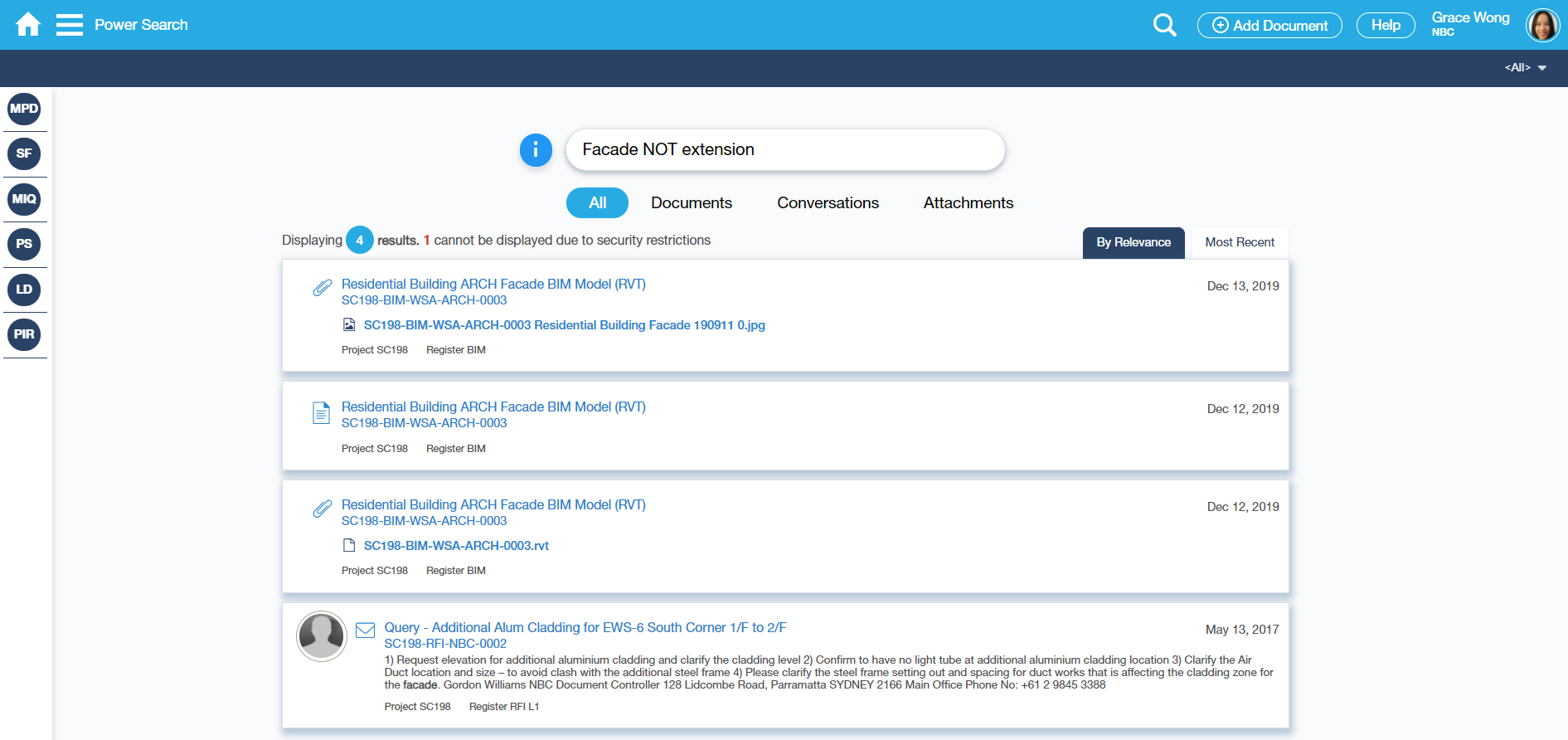
Notes:
Characters that are NOT supported on Power Search (PS) at this stage are:
- a hyphen ‘-‘
- number sign ‘#’
- exclamation point ‘!’
Special characters that can be used, are the following:
- ampersand ‘&’
- underscore ‘_’
- single/double quotation ‘ ’ “ ”
- parenthesis ‘( )’
- at sign ‘@’
- percentage ‘%’
Related Topics
<insert any related topics here>