
QAD - QA Dashboard
Contents
Overview
Scenario Enterprise QA Manager Dashboard includes three Project-specific portlets namely Total Documents and Attachments, Document Count (excludes Drawings) and Drawings & Technical Documents.
Screen Explanation
QA Dashboard Page
The displayed record in every Portlets of this dashboard is in accordance with the selected Project.
Drawings & Technical Documents and Document Count (excludes Drawings) Portlets can be viewed individually by viewing in full screen.
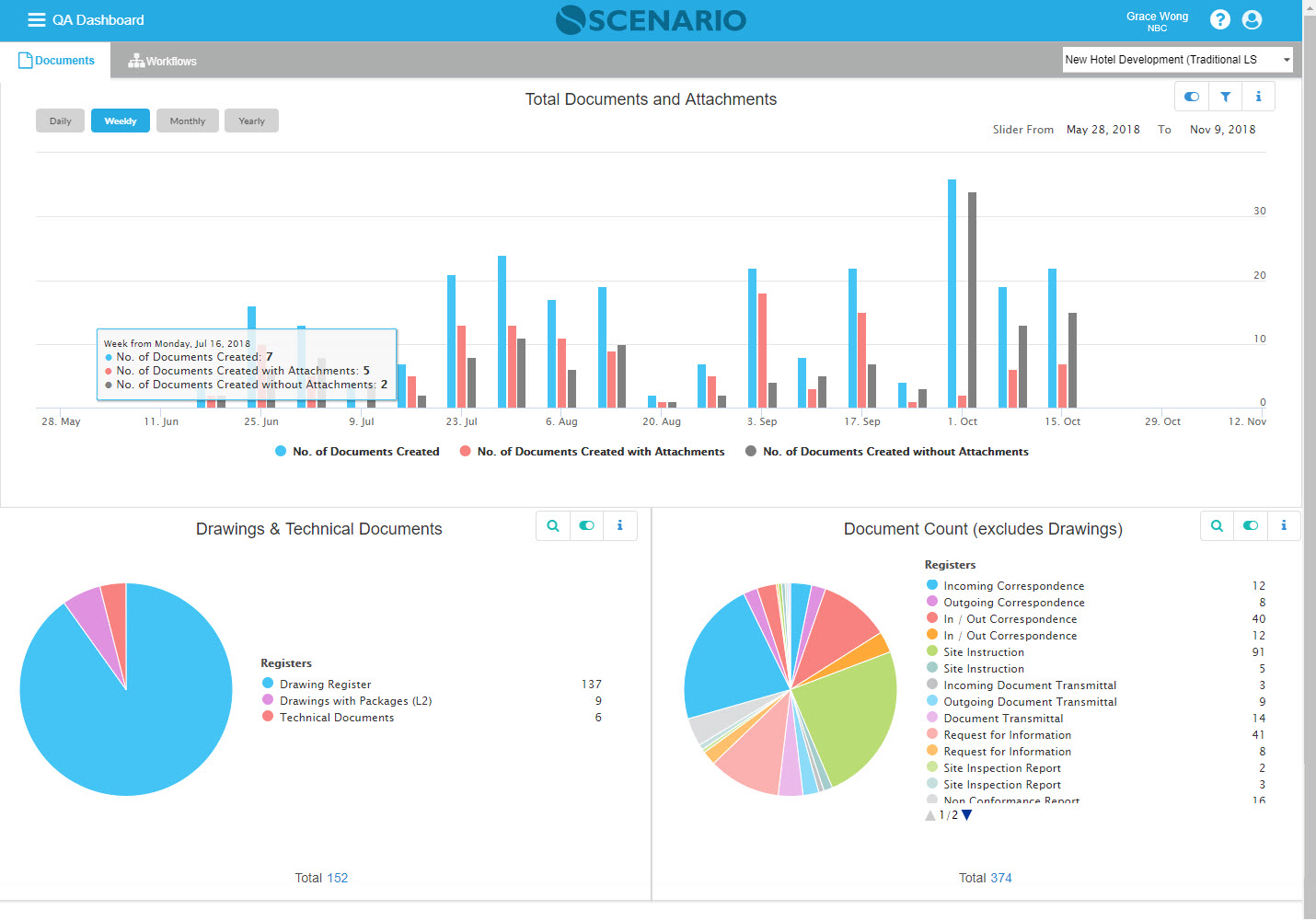
QA Dashboard Portlets:
Documents
PORTSTANDDOC0072 - Document Count Portlet (Revisable)
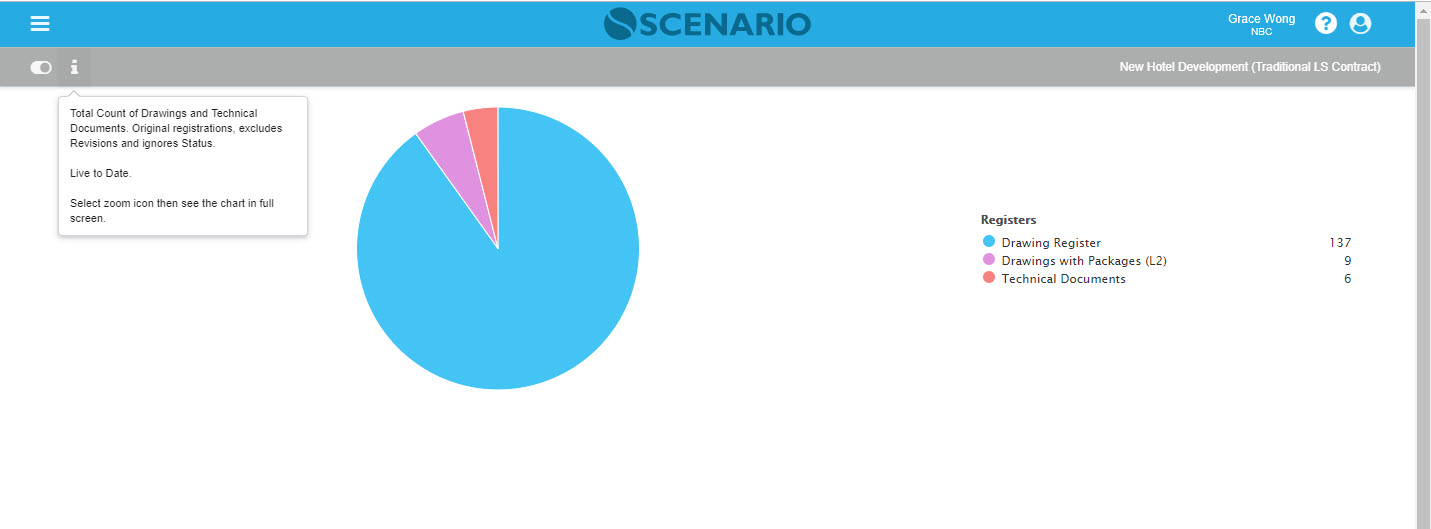
Total Count of Drawings and Technical Documents. Original registrations exclude Revisions and ignores Status.
Live to Date.
Select zoom icon then sees the chart in full screen.
PORTSTANDDOC0073 - Document Count Portlet (Non-Revisable)
Total Count of Documents ignores Status. Excludes any document that is Revised such as Drawings.
Live to Date.
Select zoom icon then sees the chart in full screen.
PORTSTANDDOC0073 - Total Documents + Attachments
History of Documents created each day along with the number of Attachments uploaded on the same day. Also shows Count of Documents created without Attachments.
Timeline Display:
Daily - Displays past 30 days (Default)
Weekly - Displays past 24 weeks
Monthly - Displays past 12 months
Yearly - Displays all years with data
Examples of Use
The chart in Full screens
- Drawings & Technical Documents Portlet
- Document Count (excludes Drawings) Portlet
%20Portlet.jpg?inst-v=d925b16b-549c-4ccf-ae5e-650f86076864)
Related Topics
<insert any related topics here>